
Pop Art Generator — Warhol-style portraits from a photo or a line
Pop art is a print process pretending to be a painting. The look comes from flat colour blocks, hard black outlines, and visible halftone dots. This template keeps the dots visible on purpose — smoothing them away is what makes fake pop art look like a poster filter.
You can also turn this style into a short looping animated GIF — billed by credits, no free tier.
Start from a description for a fresh character, or attach a portrait to restyle it. The template works best on a single face with a simple background: a busy background turns into noise once the palette is reduced to four colours.
What this style actually produces
- —Four-to-six colour palette with real halftone texture
- —Bold contour lines instead of soft edges
- —Works from text or an attached reference portrait
- —Free daily quota after Google sign-in
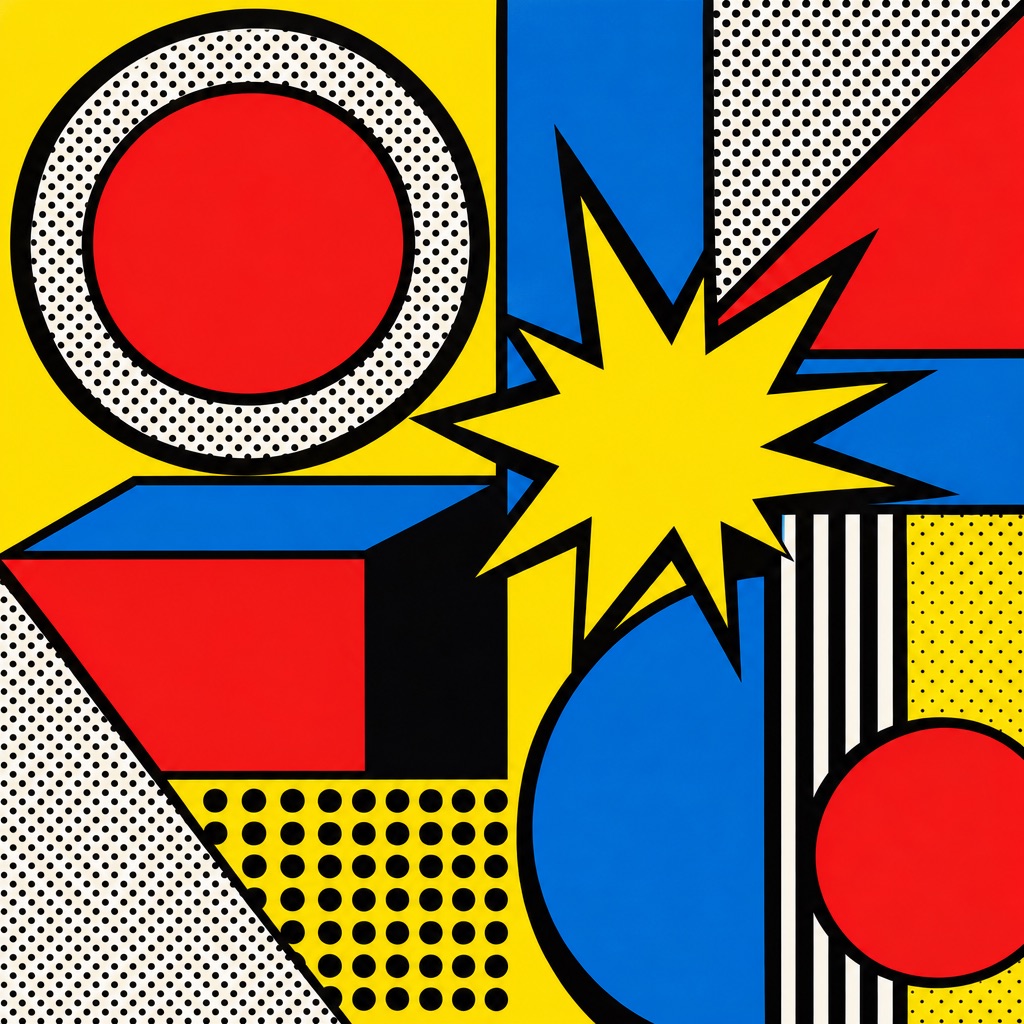
Pop Art template sample
Three steps, art in seconds
- 01
Open the generator
The style comes preselected as Pop Art.
- 02
Describe the character in one line
Two or three specifics: hair, outfit, one prop.
- 03
Generate and download
Static images render in seconds (GIFs take longer), downloaded without a watermark.
Common questions
Can I restyle an existing photo into pop art?
Yes. Attach one reference image on the generate page and add a short instruction such as "same person, pop art screen print". The template keeps the facial features and replaces the rendering.
Why does my pop art look muddy?
Too many colours in the input. Pop art needs a reduced palette; a photo with rich gradients and a cluttered background gives the model too much to compress. Use a plain background and a clear face.
Is this a copy of Warhol's work?
No. It reproduces the screen-print technique, not any specific artwork. Copying a protected artwork is against the content policy.
Related styles
Pixel Art
Make a 16-bit JRPG-style pixel sprite from a short description. Limited palette, clean sprite edges, game-ready characters. Ask for an 8-bit NES look and the forms get chunkier. Free to start.
Vintage Film
Generate 90s film-look portraits: visible grain, warm halation, light leaks, and soft contrast. Describe a scene or restyle a photo.
Y2K Chrome
Generate Y2K-style portraits and graphics: liquid chrome, iridescent gradients, bubble lettering, glossy highlights. Free to try.
3 free generations per day after sign-in. No watermark, images kept permanently.
Start creating