
Pixel Art Generator — 16-bit sprites, one line of text
Pixel art lives or dies on restraint: a small palette, hard edges, and a readable silhouette at thumbnail size. This template keeps the palette tight and the edges crisp so your character still reads as a sprite when it is 32 pixels wide.
You can also turn this style into a short looping animated GIF — billed by credits, no free tier.
It suits game character concepts, avatars, item icons, and anything that needs to look like it came from a 1993 cartridge. Describe the character and the era — 8-bit NES, 16-bit SNES — and the template handles the rest.
What this style actually produces
- —Deliberately limited palette instead of a full-colour downscale
- —Hard pixel edges, no cheap blur or JPEG smear
- —Readable at avatar and icon sizes
- —Daily free quota after Google sign-in
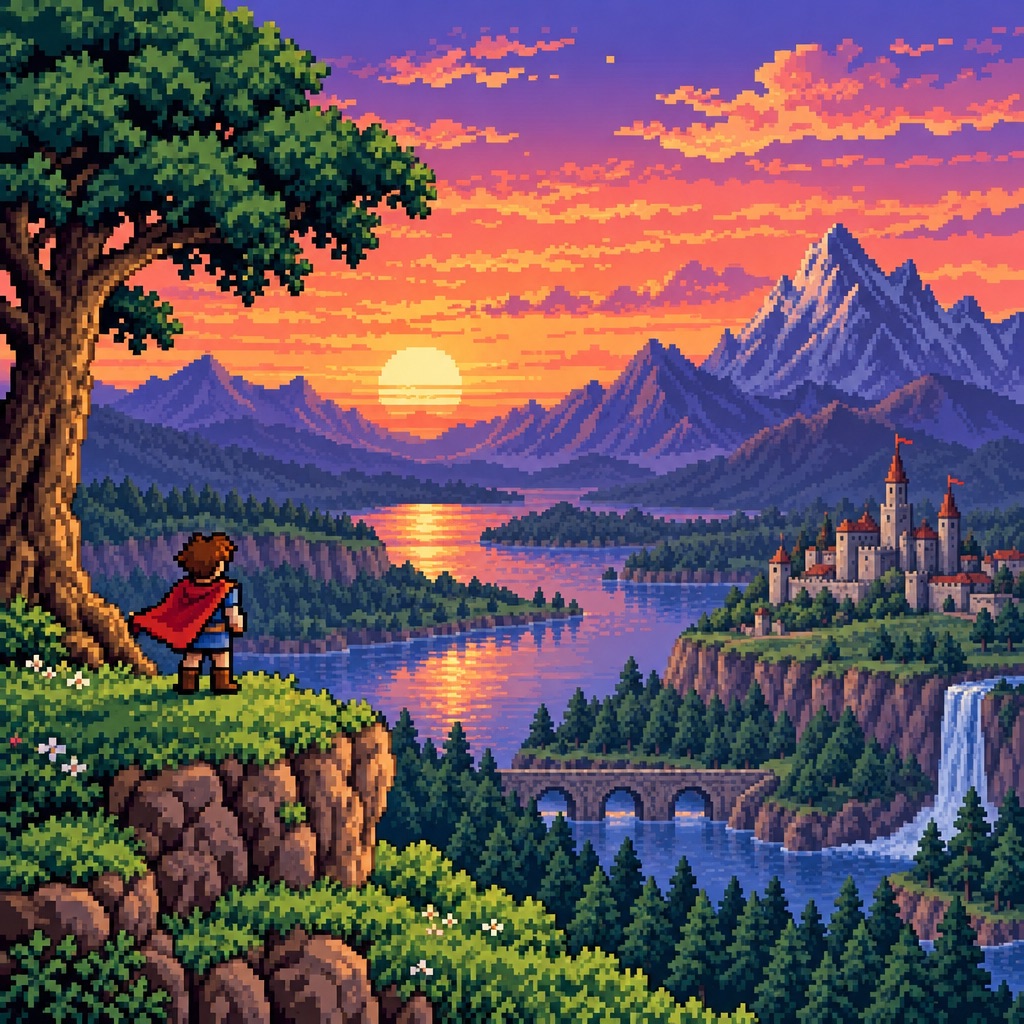
Pixel Art template sample
Three steps, art in seconds
- 01
Open the generator
The style comes preselected as Pixel Art.
- 02
Describe the character in one line
Two or three specifics: hair, outfit, one prop.
- 03
Generate and download
Static images render in seconds (GIFs take longer), downloaded without a watermark.
Common questions
Can I use these sprites in a game or jam?
You can. Images you generate are yours to use, including in game prototypes and itch.io builds. Check the terms page if you need the exact wording for a commercial release.
What is the difference between 8-bit and 16-bit here?
Say the era in your description. 8-bit gives fewer colours and chunkier forms; 16-bit gives more shading and detail while staying visibly pixelated.
Why does my pixel art sometimes look blurry?
Pixel art is the one style where a detailed input hurts. Keep the description short and avoid requesting gradients or photoreal lighting.
Related styles
Pop Art
Turn a portrait into a pop art print: flat colour blocks, bold outlines, halftone dots, repeated frames. Start from text or a reference photo.
Vintage Film
Generate 90s film-look portraits: visible grain, warm halation, light leaks, and soft contrast. Describe a scene or restyle a photo.
Y2K Chrome
Generate Y2K-style portraits and graphics: liquid chrome, iridescent gradients, bubble lettering, glossy highlights. Free to try.
3 free generations per day after sign-in. No watermark, images kept permanently.
Start creating