
Low-Poly 3D Generator — flat facets, simple materials
Low-poly is a rendering style, not a polygon budget: flat facets catching light individually, simple untextured materials, and a clean silhouette built from triangles. This template keeps the facets visible so the result looks like an intentional low-poly render, not a decimated 3D model.
You can also turn this style into a short looping animated GIF — billed by credits, no free tier.
Good for game assets, isometric scene concepts, and stylised product art. Keep subjects simple — a single character, a vehicle, a small diorama — because facet detail disappears on complex forms.
What this style actually produces
- —Visible flat facets with per-face lighting
- —Simple matte materials, no texture maps
- —Isometric or studio camera framing
- —Free to start after sign-in
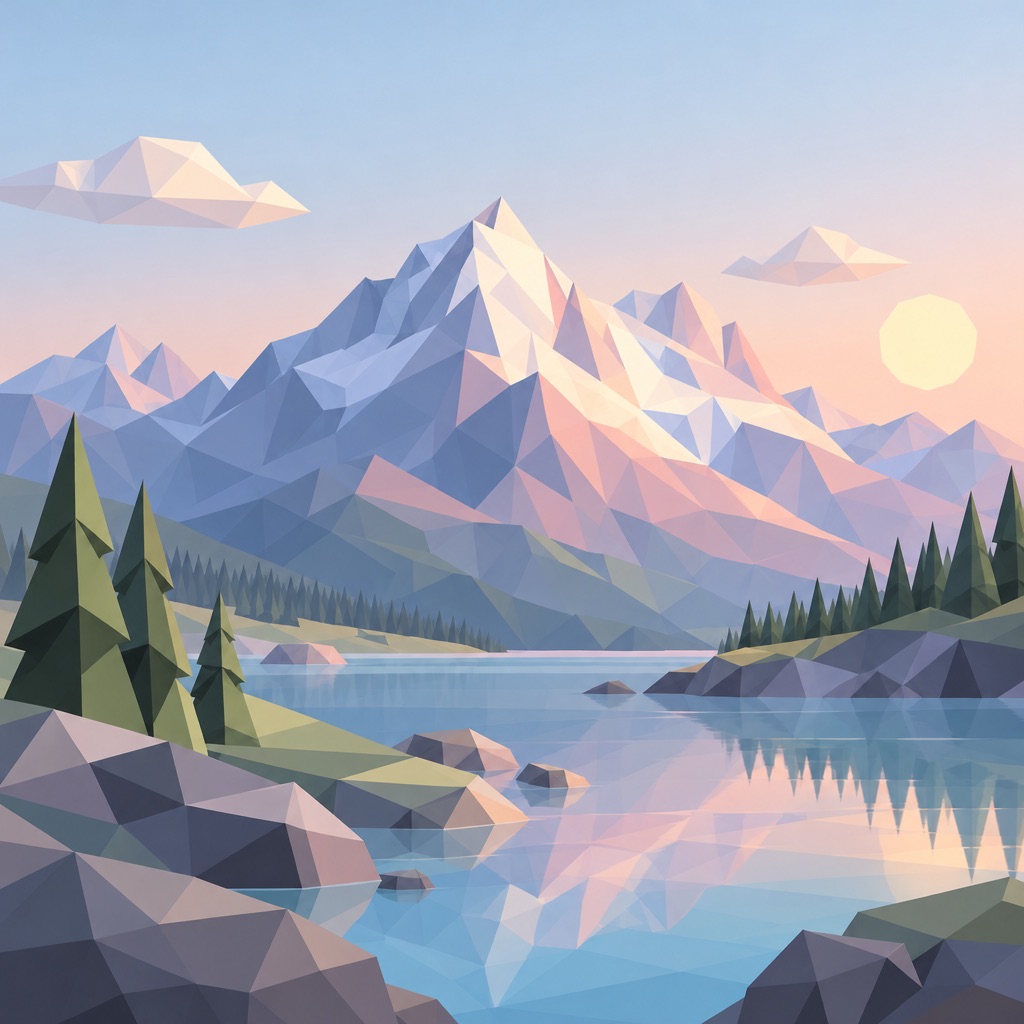
Low-Poly 3D template sample
Three steps, art in seconds
- 01
Open the generator
The style comes preselected as Low-Poly 3D.
- 02
Describe the character in one line
Two or three specifics: hair, outfit, one prop.
- 03
Generate and download
Static images render in seconds (GIFs take longer), downloaded without a watermark.
Common questions
Can I use the output as a 3D asset?
No. WinkImg generates a 2D image of a low-poly render; it is not a mesh file. Use it as a visual reference for modelling, not as geometry.
Why does it look like a paper craft?
That happens when facets are too large relative to the subject. Ask for finer subdivision on the face and body while keeping the environment coarse.
Which subjects work best?
Hard-surface objects and stylised characters. Realistic faces in low-poly read as masks, so keep faces simple and geometric.
Related styles
Desk Figurine
Turn a short description into a collectible vinyl figurine. Macro photography, soft RGB desk lighting, real toy materials. No prompt engineering needed.
Pop Mart
Design blind-box style collectible toys: smooth vinyl, pastel palette, clean studio background. Type a character idea, get a shelf-ready toy.
Claymation
Make clay stop-motion characters: thumbprinted surfaces, soft studio light, miniature sets. Type a character idea and get a frame from a clay film.
3 free generations per day after sign-in. No watermark, images kept permanently.
Start creating